Observatory · 12 July 2020
Kronos workstation install
One workstation replaces two computers and centralises control from both levels of the observatory.
This weekend I installed the workstation in the observatory. The aim was to replace two computers—and the annoyance of Remote Desktop—with one system controlling everything.
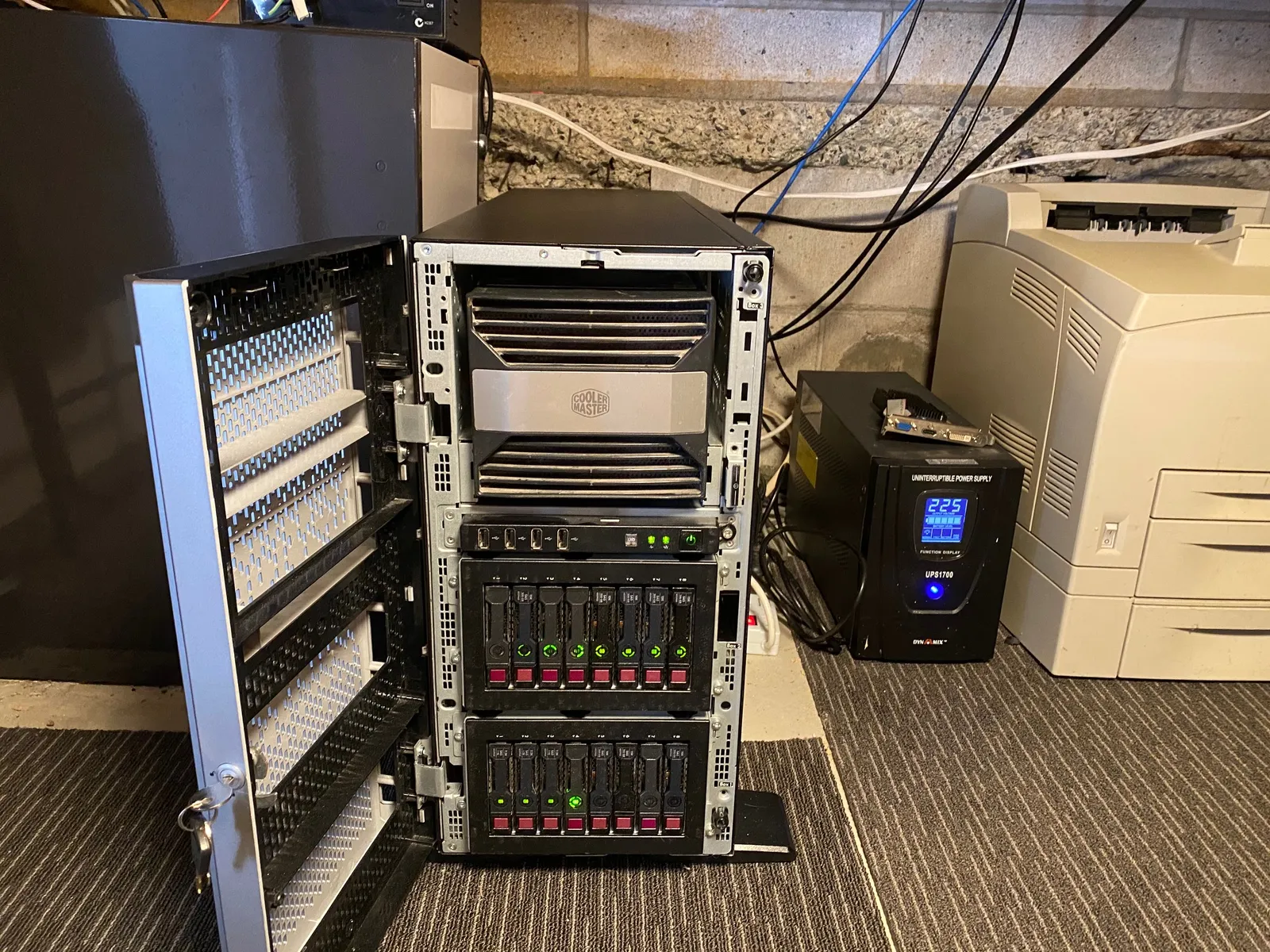
The workstation is named Kronos after the Klingon homeworld. One of the previous computers had died in a rural power surge, so a 1700 W uninterruptible power supply was an important safeguard for the new system.
One computer, two control positions
I wanted to control Kronos from the telescope floor and the downstairs control room, with cable runs of roughly five metres in each direction. DisplayPort was limited to about three metres, so I used DVI-D for the older telescope-area monitor and HDMI for the control-room display.
Powered five-metre USB 3 cables and standard USB 2 runs connected both areas. A second USB 3 cable runs up the pier to the ZWO cameras and focusers. There were cables everywhere, so I pinned them along the beams to keep them out of the way.
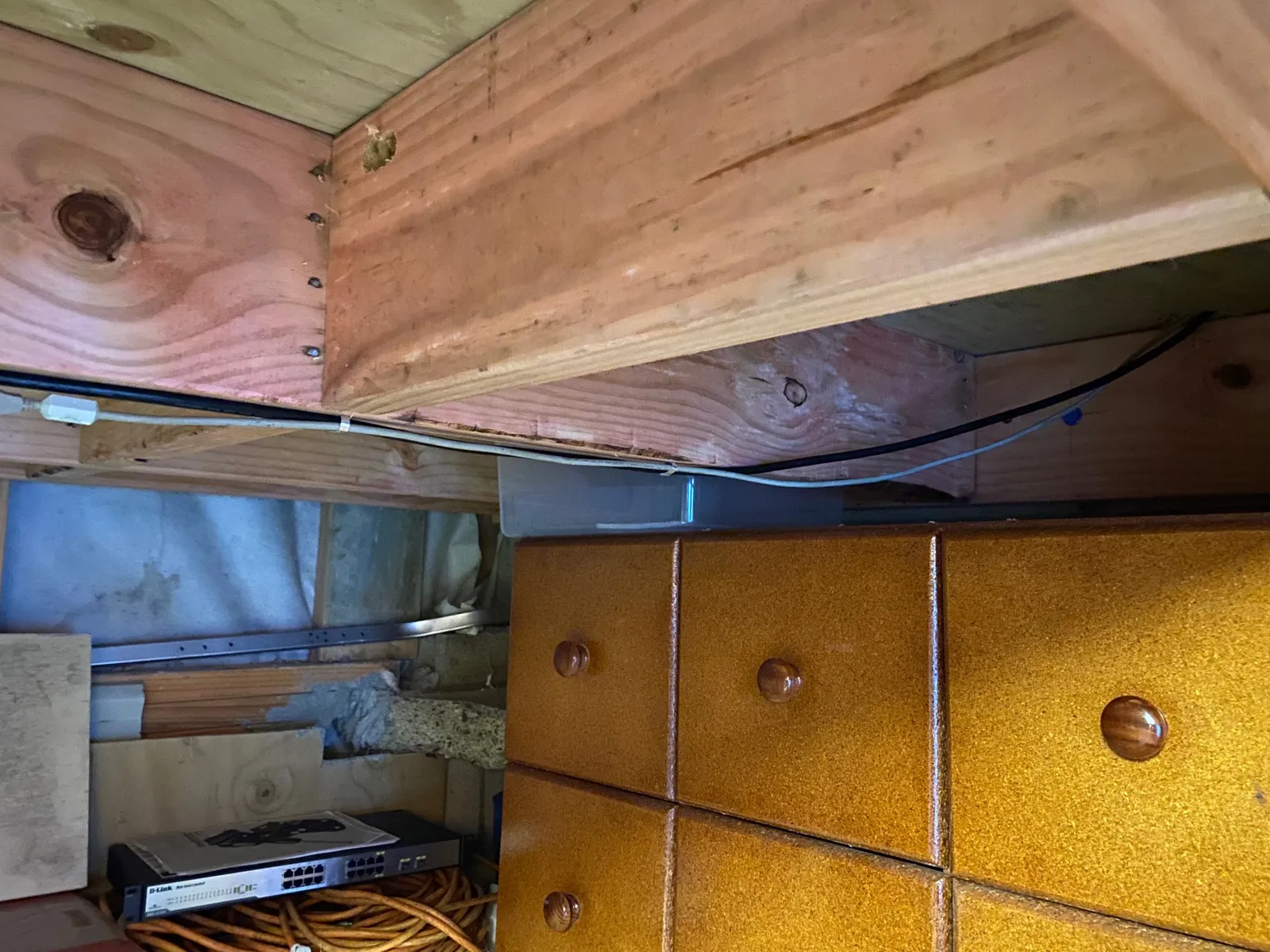
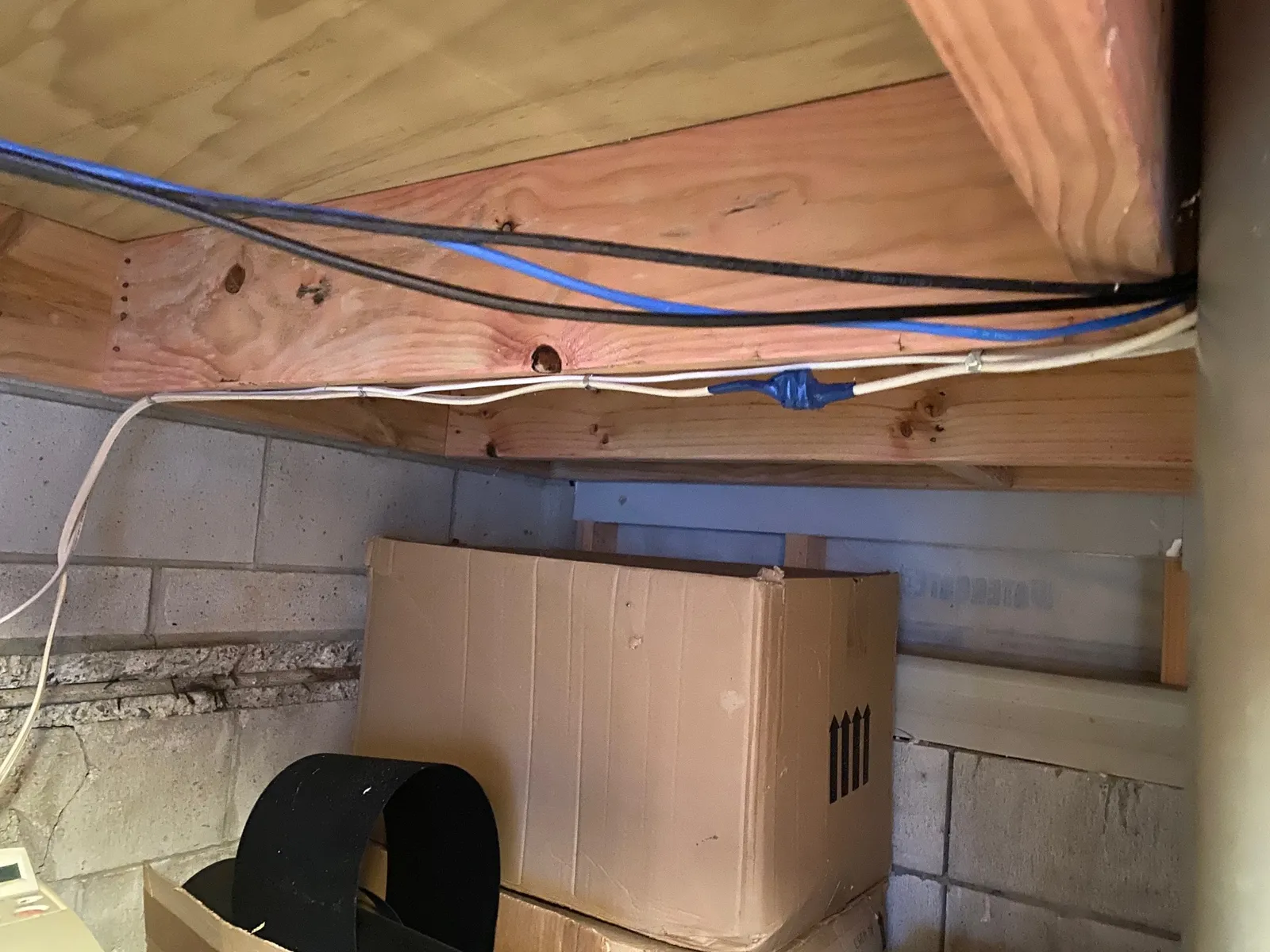
The five-metre control-room run was only just long enough. Cable capping made the result tidy, even if installing it alone was fiddly.
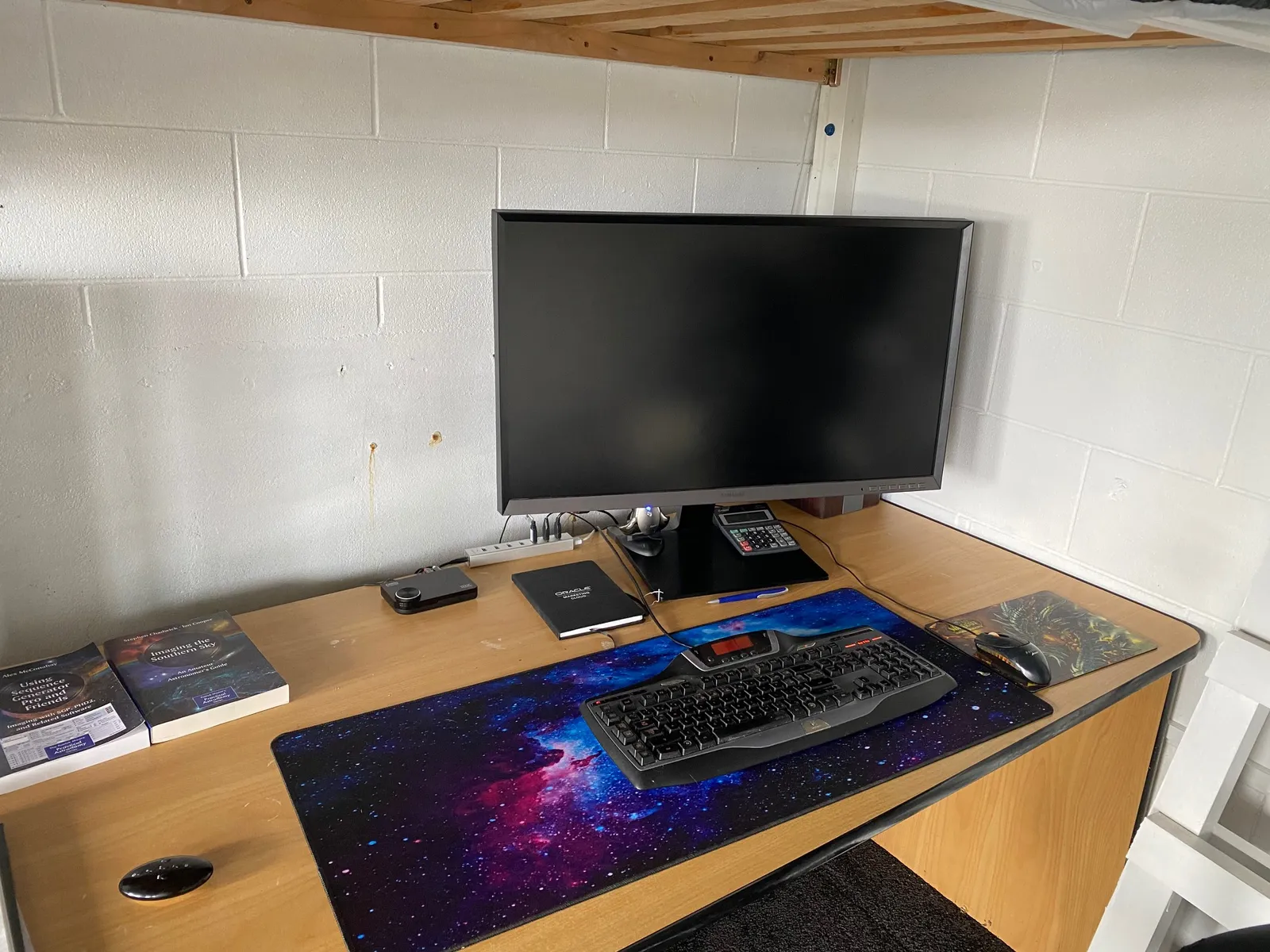
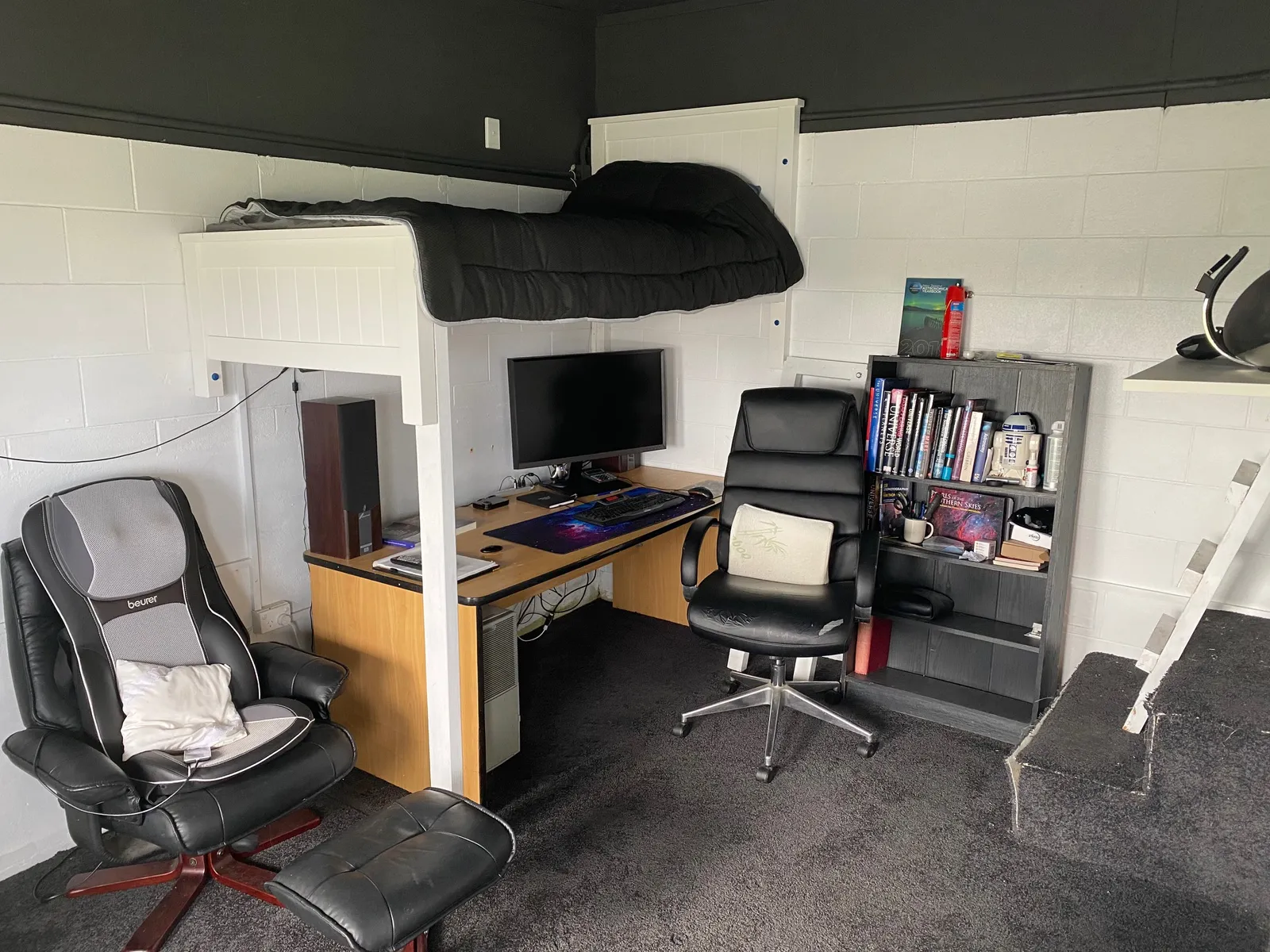
The telescope-area Samsung SD850 is a 32″ 2560×1440 WQHD monitor, while the control room uses a 32″ Dell at 2560×1600. Windows mirrors the same desktop to both. I tested separate resolutions with UltraMon but the performance cost was too high.
Network and power
Networking became easier with the workstation beside the network cabinet. Two Ethernet cables run up the pier—one for telescope control and one spare. The 12 V supply and network switch also run from the UPS.
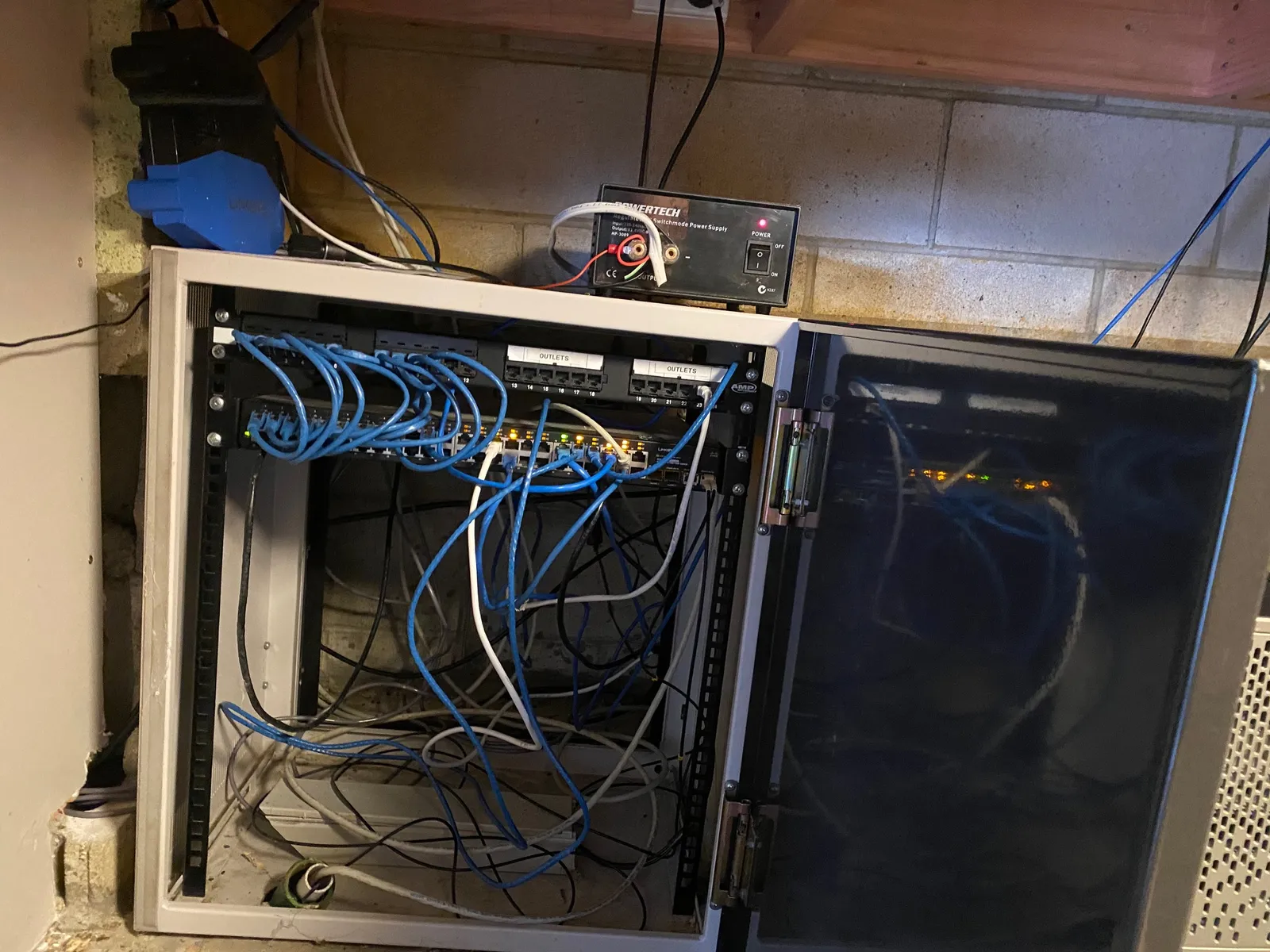
The Linksys WRT1900ACS runs DD-WRT, the open-source Linux-based router firmware. Getting all the five-metre runs installed took more time than expected, but one computer is much simpler than two.
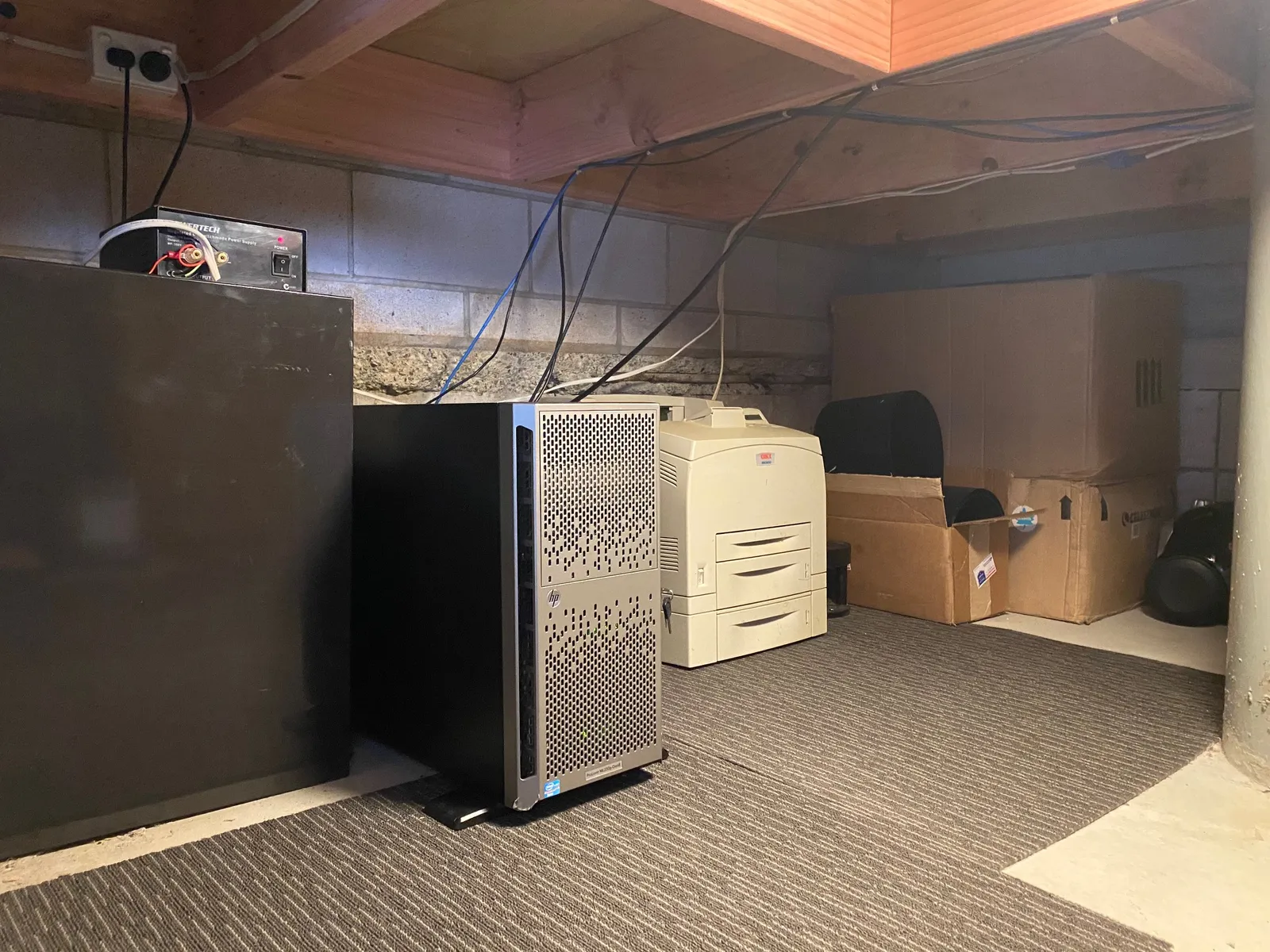
Locating Kronos below the telescope floor also keeps its fan noise away from both working areas. The space is cooler and the system is quiet enough not to interfere with Spotify in the control room.
A second-hand set of Logitech Z-2300 speakers completed the audio setup for $67. Next up: the software installation. Kirk out.